Home security and alarm companies live on the phone. Every missed call is either a potential customer who will dial a competitor next, an existing subscriber who needs a service visit scheduled, or — occasionally — someone who believes something urgent is happening at their property. The challenge isn’t just answering the phone. It’s answering it consistently, at any hour, without routing sensitive or safety-related calls to a system that isn’t built to handle them.
SteadyCall is built for the calls your business can reasonably automate: scheduling, lead intake, general questions, and routine account requests. It is not built to replace licensed monitoring operators, dispatch centers, or the trained staff your business already relies on for alarm-response and emergency-adjacent situations.
Who this is for
This page is for owners and operations leads at home security and alarm companies — residential and light-commercial installers, local monitoring resellers, and multi-technician service businesses — who are evaluating whether an AI answering solution can reasonably sit in front of their phone lines without creating risk.
The phone problems home security companies deal with
- After-hours service and account calls. Customers call about billing, system questions, or non-urgent service needs outside business hours, and those calls often go to voicemail.
- New-installation leads that go cold. A prospect calling about a quote or install often moves on to the next company listed if nobody picks up.
- Technician scheduling friction. Coordinating service visits, confirming appointment windows, and rescheduling takes staff time that could go toward higher-value work.
- The occasional urgent or safety-related call. A caller may report an active alarm event, a break-in in progress, or a distress situation — calls that must go to a human, not an automated system.
The real design question for a home security company isn’t whether AI can answer the phone — it’s where the line sits between a scheduling question and a situation that needs a trained human immediately.
What the AI assistant can reasonably handle
- Answering general business inquiries — hours, service areas, pricing questions, and what packages are offered.
- Capturing new-installation leads: name, address, property type, and what they’re interested in, so a salesperson can follow up.
- Booking, confirming, or rescheduling routine technician appointments based on availability your team provides.
- Collecting basic account-service requests (e.g., a customer wants to update contact information or ask about a bill) and logging them for staff follow-up.
- Operating around the clock so calls outside business hours are captured instead of lost to voicemail.
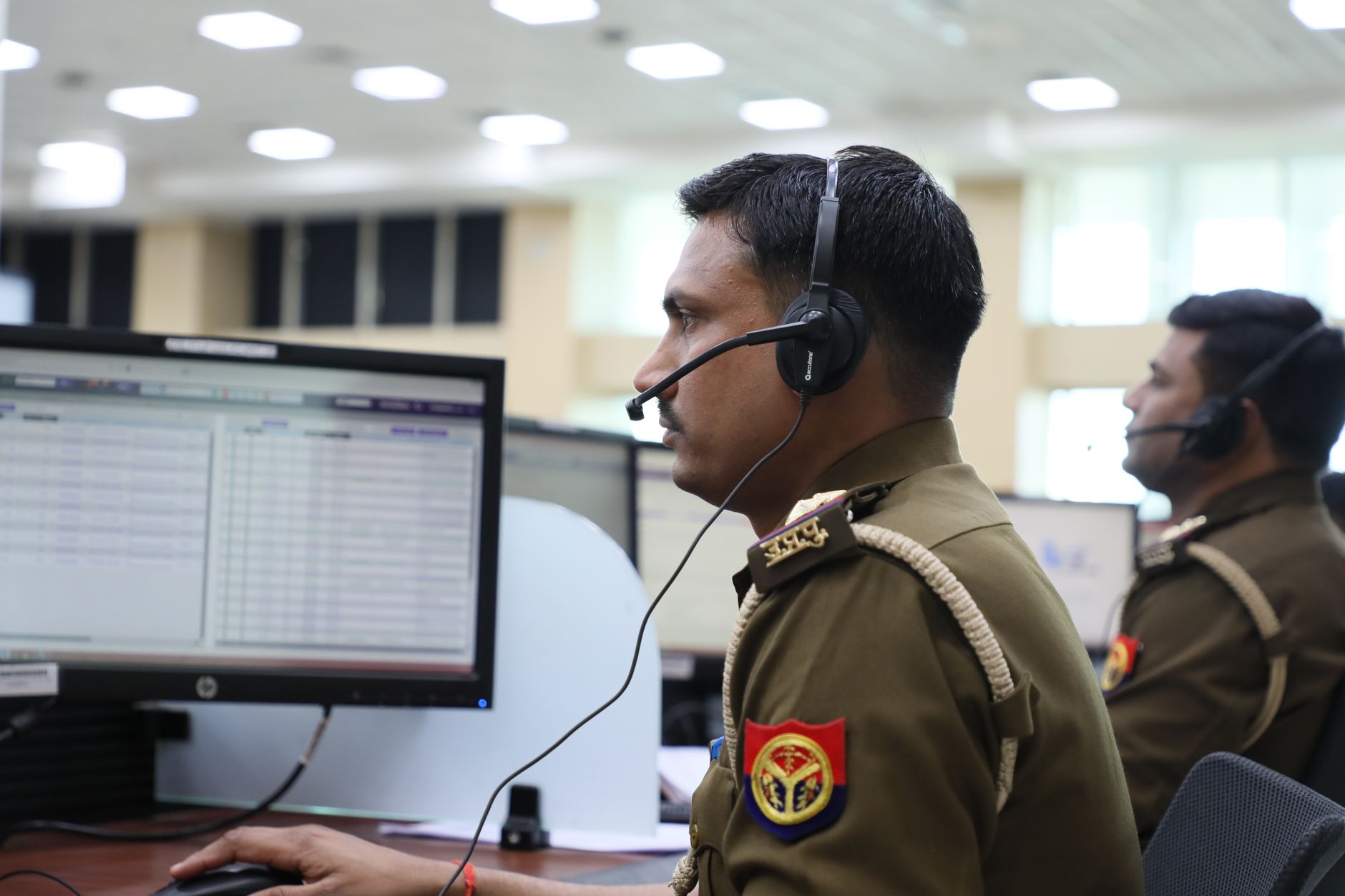
What should route to a human — every time
- Any call indicating an active alarm, break-in, fire, medical emergency, or immediate safety concern should be routed to your monitoring center, dispatch process, or on-call staff — not handled by an automated assistant.
- Calls involving alarm codes, security credentials, or anything tied directly to arming/disarming a system or verifying an emergency event.
- Legal, licensing, or liability-sensitive conversations, including anything related to an alarm response or incident.
- Upset or escalated customers who need a person to de-escalate the situation.
Alarm and security-system response work is a regulated activity in a number of U.S. states. For example, Maryland requires anyone responding to a distress call or an alarm sounding from a security system to hold a Security Systems Agency License, and California requires an Alarm Company Operator to maintain a Qualified Manager who has passed an exam covering the state’s Alarm Company Act and related requirements. These rules vary by state and province, so any workflow design around alarm-response or emergency calls should be reviewed with your own legal counsel and current local regulator guidance rather than assumed from a general product description.
Implementation considerations for this industry
Define the handoff rules up front
During your discovery call, the clearest workflows describe exactly which call types the assistant should handle (scheduling, lead capture, general questions) and which should be routed immediately to a live person or your existing emergency/dispatch process. Getting this boundary right matters more than any other setup decision.
Keep your monitoring and dispatch process untouched
SteadyCall sits in front of your general business line — it is not a replacement for a central monitoring station or an emergency dispatch workflow. Most home security companies keep those systems exactly as they are and use the AI assistant for the inbound calls that are currently falling through the cracks: after-hours questions, missed leads, and scheduling.
Review call-recording consent rules for your jurisdiction
SteadyCall’s dashboard includes call transcripts and analytics. If your business operates across multiple states or provinces, consent requirements for recording calls can differ by jurisdiction — this is worth confirming with legal counsel before go-live rather than assuming a single national rule applies.
Buying considerations
- Cost structure. Setup starts from $2,000 and scales with the complexity of your call workflows; the monthly subscription starts at $500/month plus usage beyond your base allocation, with real-time usage visibility in your dashboard. See SteadyCall pricing for details.
- Timeline. After your discovery call and setup fee, onboarding typically takes about one week before your assistant and phone number go live.
- Commitment. The plan is month-to-month with a two-week cancellation notice — there is no trial, and the setup fee is non-refundable once work begins.
- Visibility. You get a private dashboard showing assistant activity, your dedicated phone number, plan usage, call transcripts, and analytics so you can see exactly what the assistant is handling.
Why this fits home security and alarm companies
The businesses that get the most value from an AI receptionist are the ones that already have a clear idea of what should never be automated. Home security companies tend to know this instinctively — the hard part is operationalizing it. SteadyCall’s fully managed setup is built around exactly that conversation: what the assistant answers, what it books, and what it hands off, so your team’s time goes toward the calls that genuinely need a person.
To see the underlying mechanics before your discovery call, review how SteadyCall works and the full list of SteadyCall features.
Finally, worth noting for front-line staff and customers alike: phone-based impersonation scams targeting security and alarm customers are a documented concern. The FTC has published consumer guidance warning that scammers sometimes impersonate security or authority figures by phone to pressure people — often older adults — into transferring money, and advises consumers to never send money in response to an unexpected call (FTC, August 2025). This is a useful reminder for training your own live-handoff staff, not a capability of the AI assistant itself.
Frequently Asked Questions
Can the AI assistant handle an active alarm or emergency call?
No. SteadyCall is designed to route any call indicating an active alarm, break-in, fire, medical emergency, or safety concern directly to your monitoring center, dispatch process, or on-call staff — not to be handled by the assistant itself.
Will the assistant replace our central monitoring station?
No. SteadyCall answers general business calls — scheduling, lead intake, account questions — and sits in front of your existing monitoring and dispatch systems, which remain unchanged.
Can the assistant schedule technician visits?
Yes, based on the availability and booking rules your team provides during setup, the assistant can book, confirm, and reschedule routine service appointments.
Is call-recording consent an issue for a security company operating in multiple states or provinces?
Consent rules for recording calls vary by jurisdiction, and this is a question worth reviewing with your own legal counsel before go-live rather than assuming one rule applies everywhere.
Are alarm-response and installation activities regulated by state licensing boards?
In several states, yes — for example, Maryland and California both have licensing requirements for individuals or firms that respond to or operate alarm systems. Requirements vary significantly by state and province, so confirm current rules with your local regulator and legal counsel.
How long does setup take and what does it cost?
Setup fees start from $2,000 and scale with workflow complexity, and the monthly subscription starts at $500/month plus usage beyond the base allocation. Go-live typically takes about one week after payment. Full detail is on SteadyCall pricing.
Is there a trial, and can we cancel if it doesn’t fit?
There is no trial. The plan is month-to-month with a two-week cancellation notice, and the setup fee is non-refundable once work has begun.